150mm skirting board
decorative metal skirting
skirting board
metal skirting board
$0.00
{price}% OFF
 100mm modern square edge skirting board profile is a sleek and contemporary option for finishing the junction between walls and floors. This type of skirting...
材料
  • stainless steel

Product Specs

  • Created: Mar 07, 2022

  • File Size: 187.88 KB

  • Type: Vector

Description

Reviews

How to unzip files

How to install

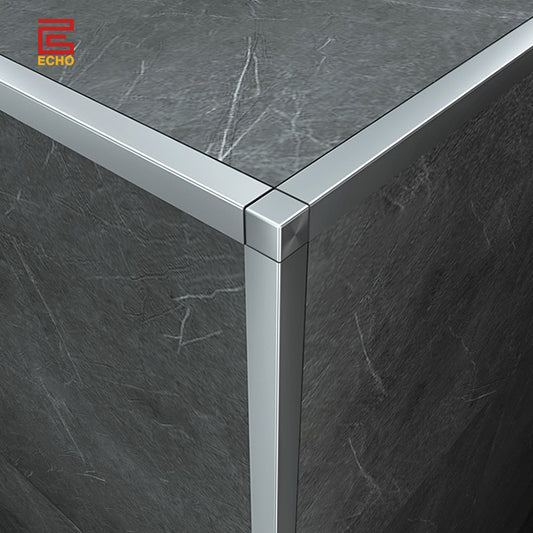
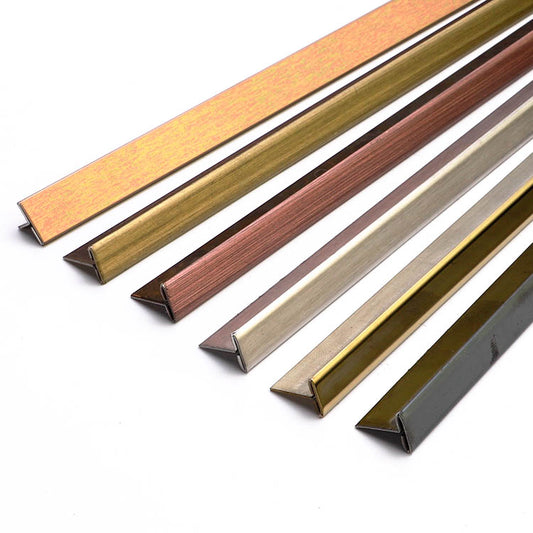
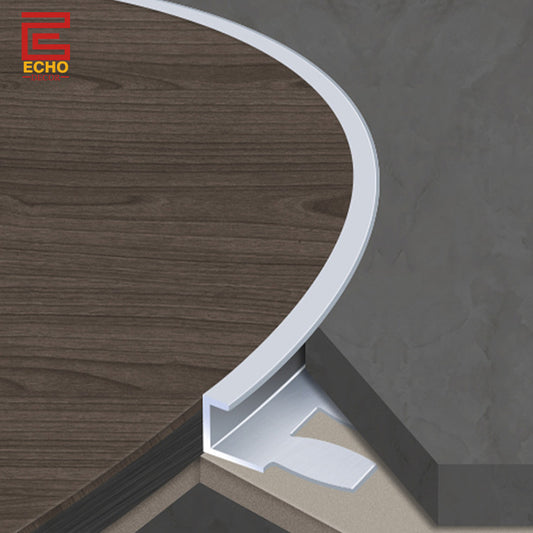
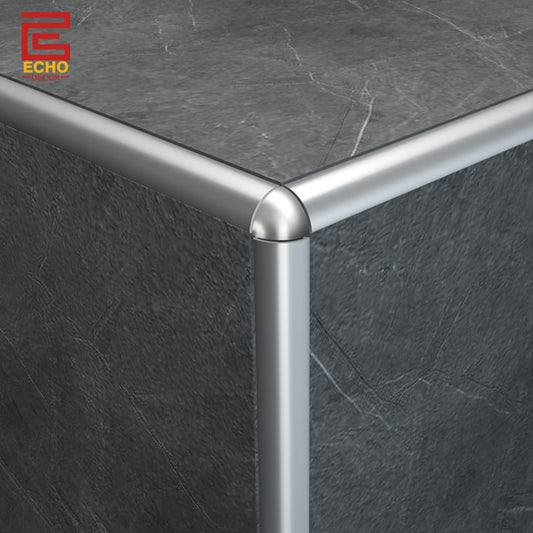
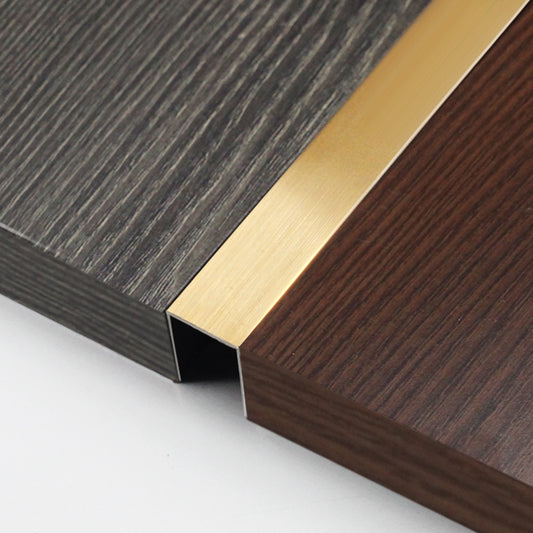
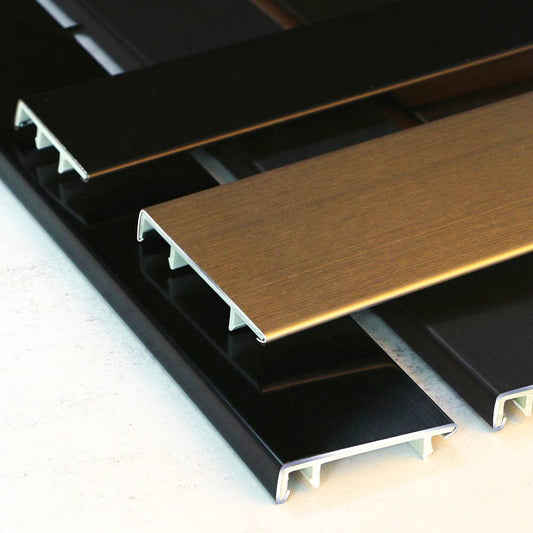
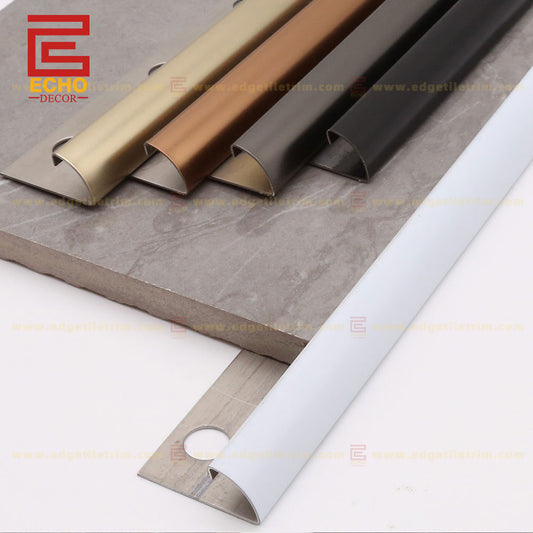
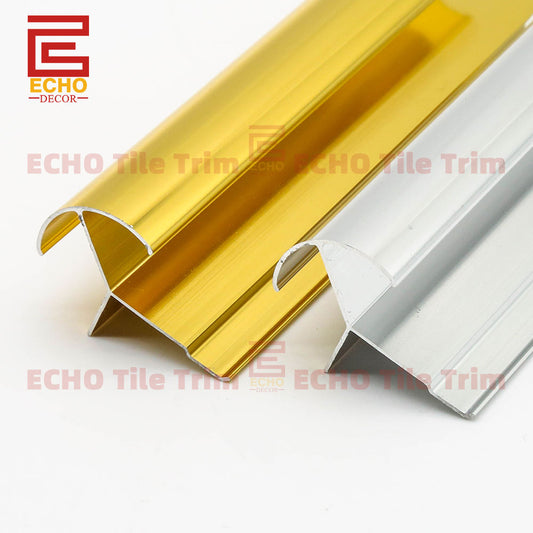
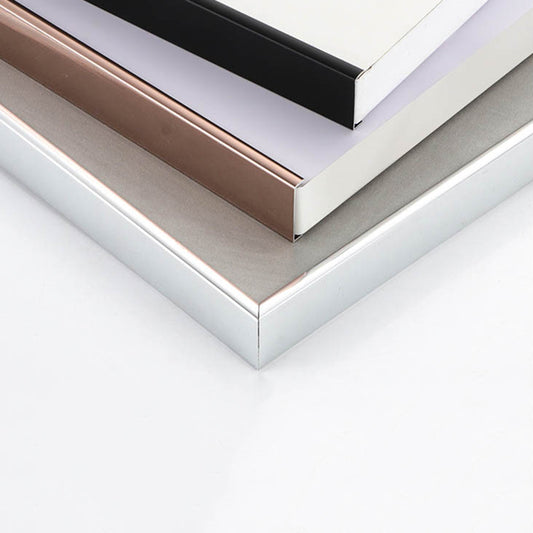
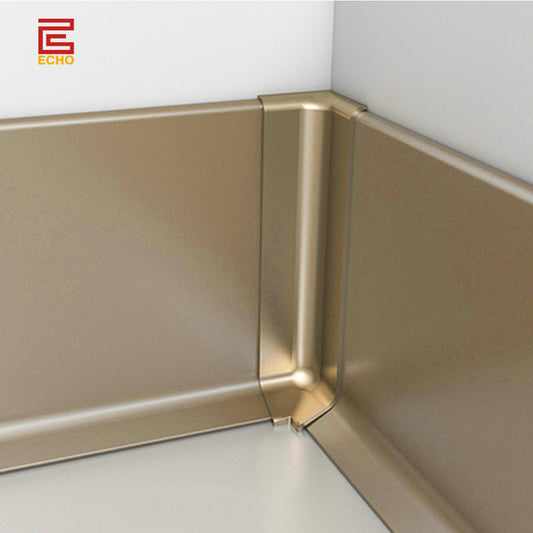
 100mm modern square edge skirting board profile is a sleek and contemporary option for finishing the junction between walls and floors. This type of skirting board features a clean, straight edge without any decorative molding or curvature, making it ideal for modern interiors. Quick Detail Product Name: 100mm Modern Square Edge Skirting Board Profiles Material: Metal/stainless steel  Regular Size: 40-150# skirting board Regular Length:  2.4-3m/pcs Surface: Polished/Brushed Colour: Silver/Gold/Black/Rose Red/Brass Package: PVC film/PVC bag/paper carton Features and Benefits Modern Aesthetic: The square edge profile provides a minimalist and clean look, which is perfect for contemporary and modern interiors. Height: At 100mm (approximately 4 inches), this skirting board offers substantial coverage to protect walls from scuffs and damage while creating a visually appealing baseboard.Material Options: Metal: Durable and corrosion-resistant, available in various finishes, and a sleek look. Durability: Square edge skirting boards made from quality materials are resistant to wear and tear, making them suitable for high-traffic areas. Easy to Clean: The smooth surface of square edge skirting boards makes them easy to wipe down and keep clean. Applications Residential: Ideal for living rooms, bedrooms, hallways, kitchens, and bathrooms.Commercial: Suitable for offices, hotels, retail spaces, and other commercial environments. We provide bespoke products designed to your exact requirements, call us for more info.  

Please select the integrated review app platform in settings

PC: To extract a single file or folder, double-click the compressed folder to open it. Then, drag the file or folder from the compressed folder to a new location. 

To extract the entire contents of the compressed folder, right-click the folder, click Extract All, and then follow the instructions. Mac: Double click the .zip file, then search for the product folder or product file. If you continue to have trouble, check out this help file for more tips.
After you unzip your font product files, you will see .OTF or .TTF files. To install a font, just double click on the OTF or TTF file. For more information, check out our Font FAQ. 

If you’re still having trouble installing the font, please contact the Shop Owner or Creative Market Support.

You May Also Like

Subscribe to our newsletter

Follow us

© EC • Powered by Shopify